🔷Hardware Setup
The Anyone Hardware protects your privacy and enables you to earn crypto token rewards!
Welcome to your Hardware!
You are now part of a movement to truly take our privacy back. Your hardware gives you instant access to a secure, private connection for everyday browsing. For those who want to go further, it also unlocks the ability to support the network and earn crypto by contributing bandwidth.
Choose the option for you and get started with your setup now, or scroll further to find out more about the device!
Get setup with a private Wi-Fi connection in under a minute:
Router Mode - Quick InstallProtect and earn crypto tokens by contributing to the network (full setup).
Relay Mode
What's in the box?
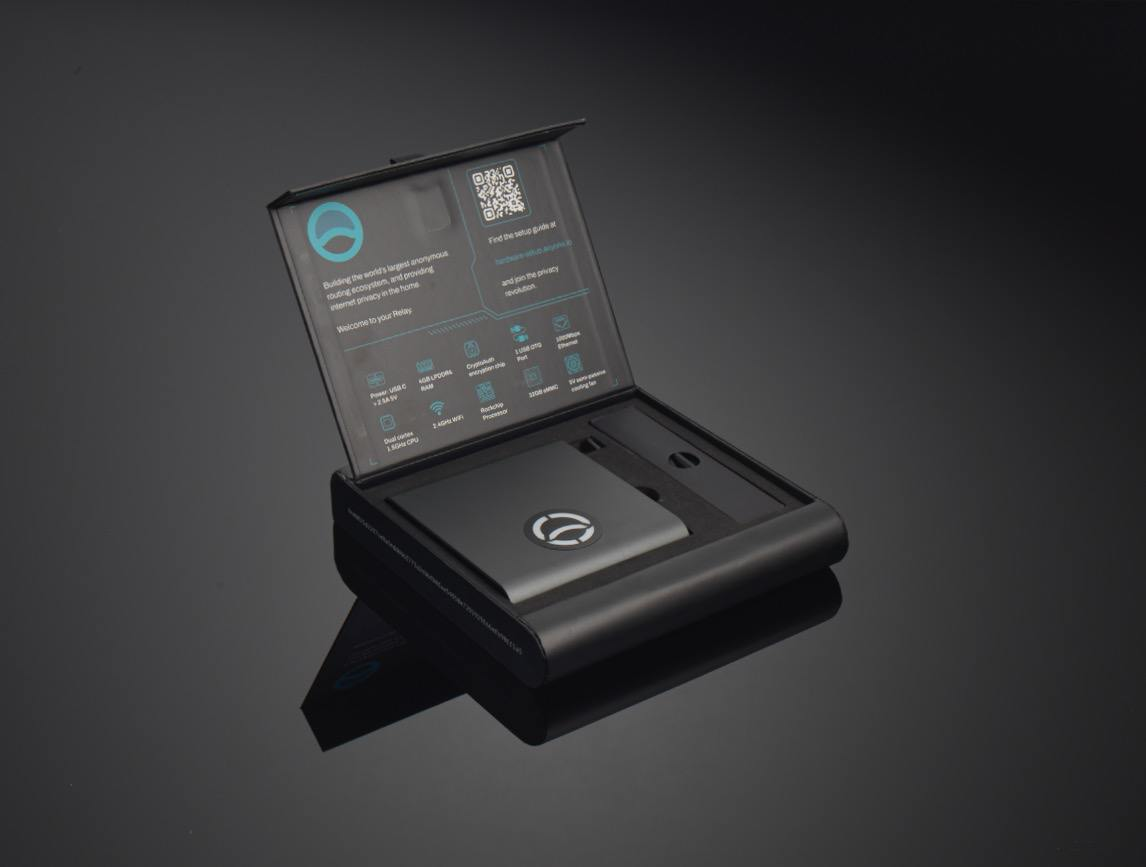
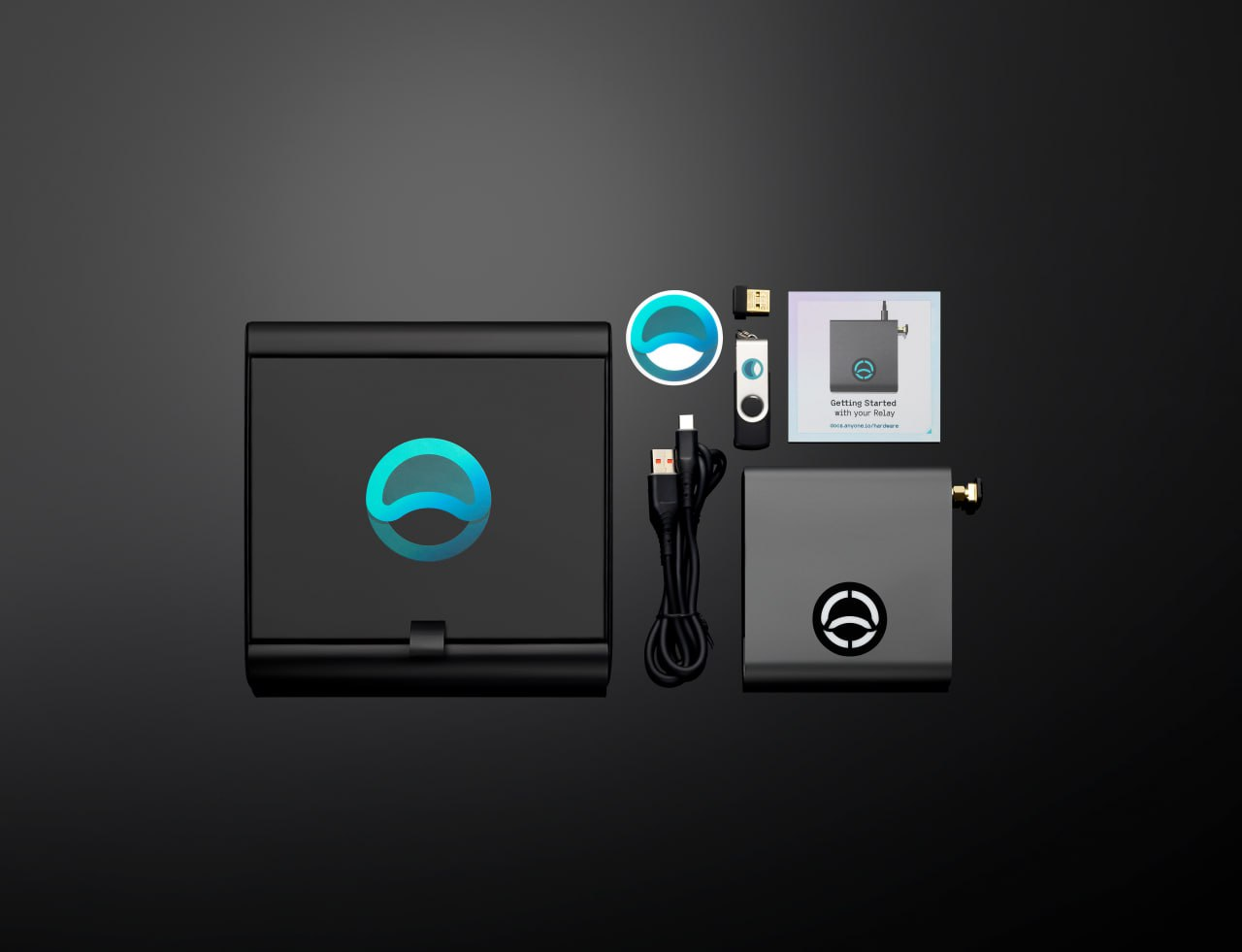
To find out more about the device - see Overview & Specifications!
QuickStart - Router Mode Setup (3 minute guide)
Follow these simple steps to set up your Anyone Router in Router Mode. Perfect for sharing your home network traffic securely. A detailed description can be found at Router Mode Installation.
Power up & Enter Setup Mode
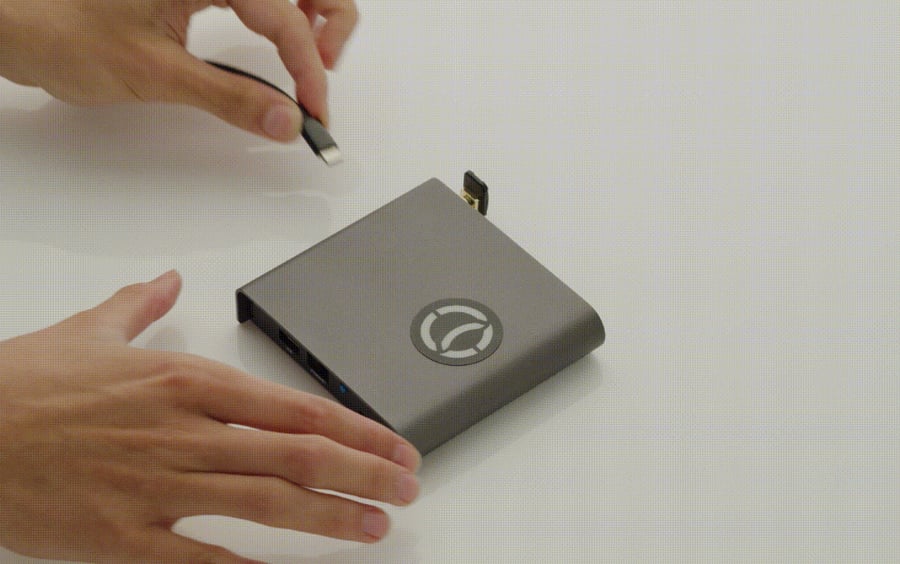
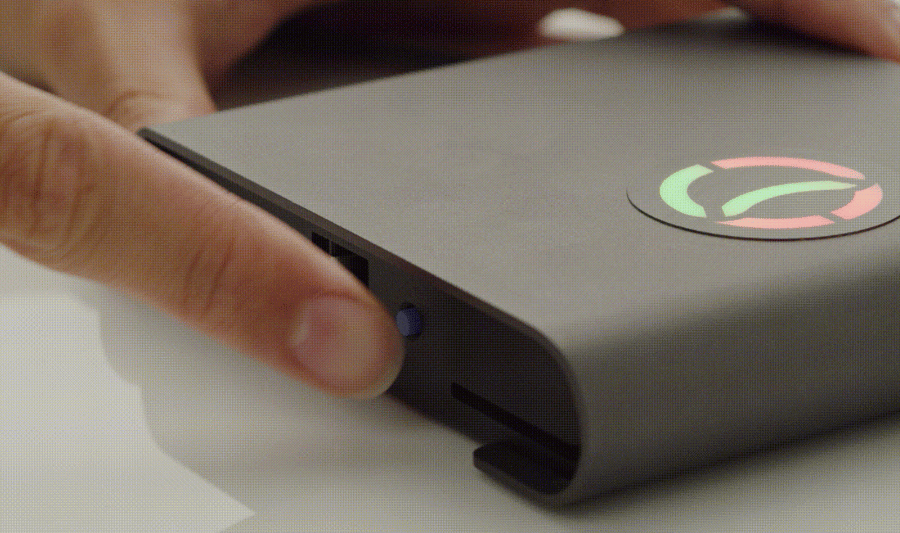 Use a computer, battery pack, or power adapter to power your device, minimum 15W.
Connect & Launch Wizard
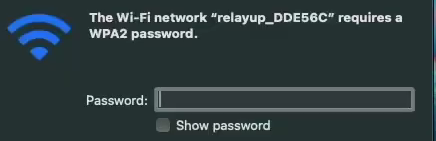
The captive portal opens up automatically. If not open a browser to: http://relayup.local or http://10.42.0.1
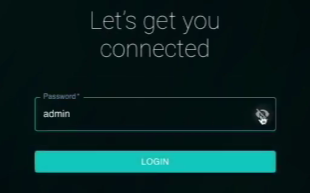
Choose Router mode
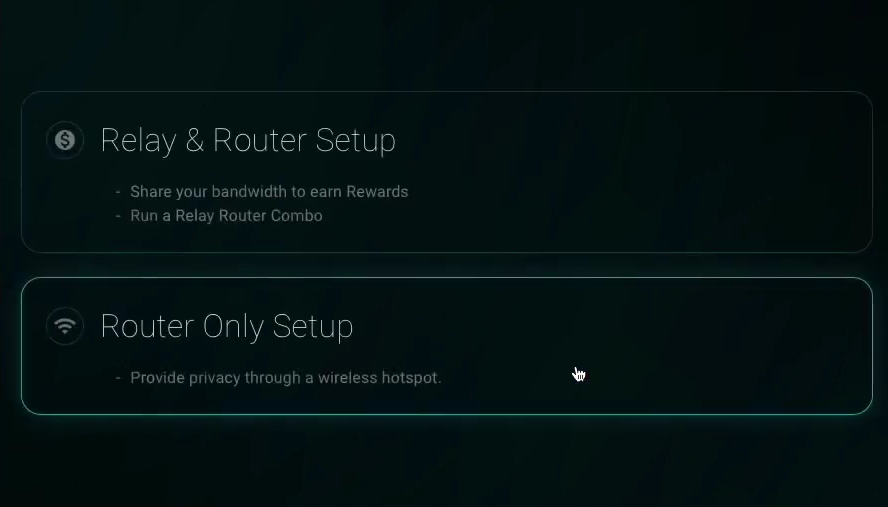
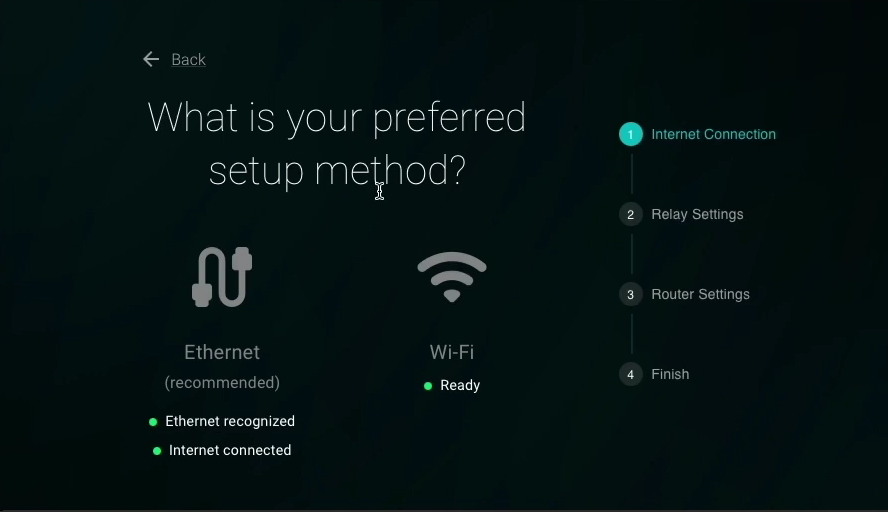
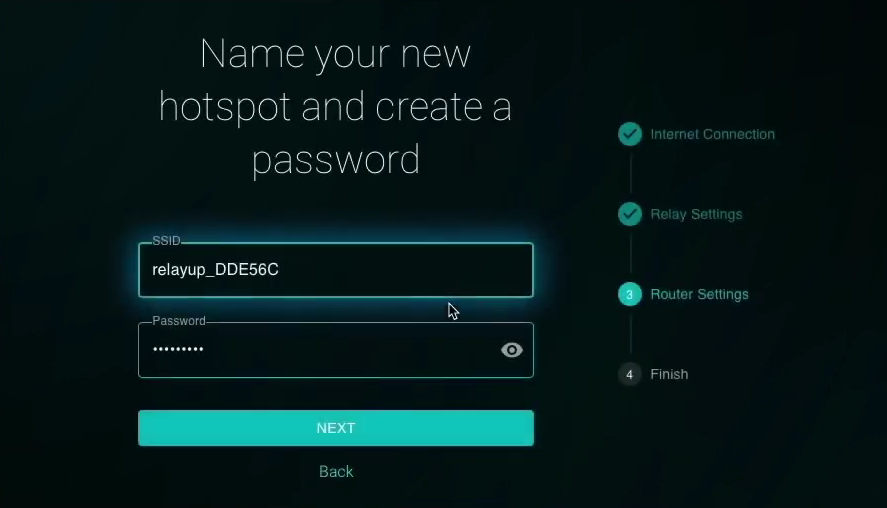
What happens now
The device installs settings and reboots automatically
LED lights turn green indicating a successful uplink
Connect any client device to the router's hotspot to have its internet traffic routed through Anyone’s secure network
LED pulsing Anon Blue = Router Running
Watch the setup in action
Follow the Router Mode Steps from above to get started instantly!
Or choose the Relay Mode to contribute your bandwidth while earning contribution rewards.
After Setup - Next Steps
Head to the Control panel at https://relayup.local or the shown IP from above
See the Control Panel Walkthrough for full details of all the available settings.
Overview & SpecificationsRelay Mode (Advanced)
Running a relay with an Anyone hardware device is the easiest way to support the network and start earning $ANYONE tokens. You’ll contribute your home internet bandwidth while benefiting from a special rewards pool reserved just for hardware relays.
Ready to get started? Follow the Relay Setup Guide →
Last updated